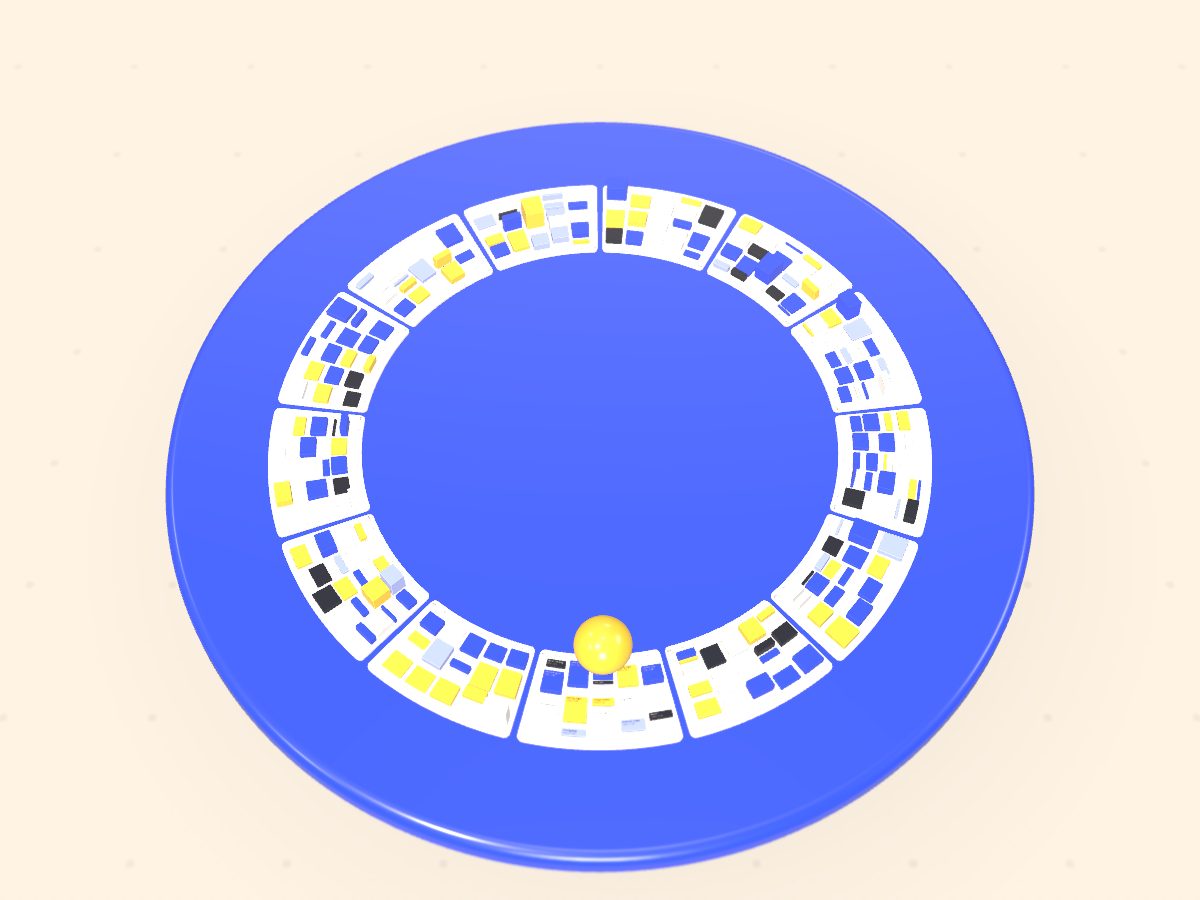
New: pinch to zoom your week
Plan less. Ship more.
The week planner you pinch: zoom out to the quarter, in to the hour.
Pinch your trackpad or scroll to zoom through time Pinch or scroll to zoom through time
01Quarter
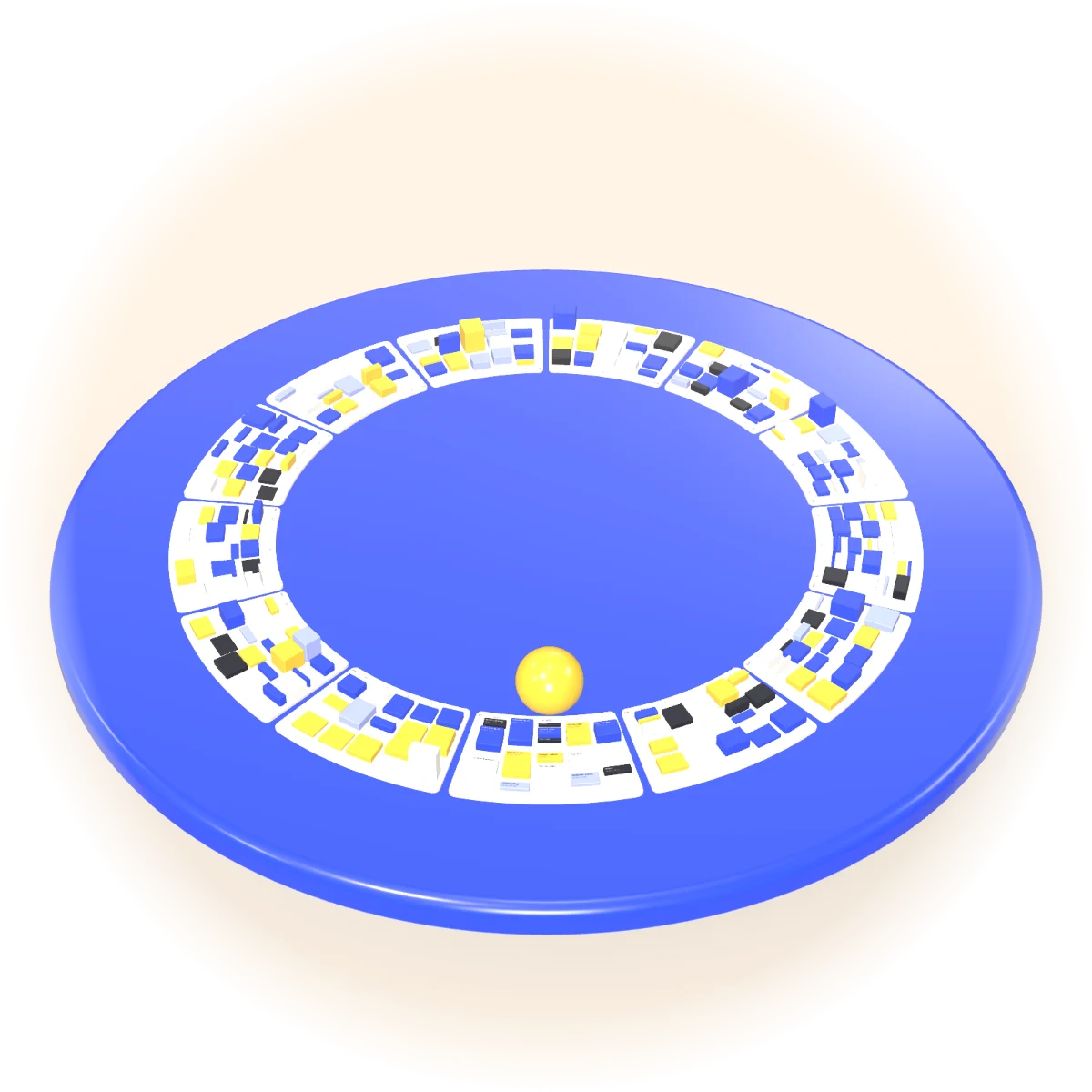
Zoom out to the quarter.
Thirteen weeks side by side. Every task is a block and every week a column, so you can see where the launch lands before you plan a single day.
- 13 weeks
- Mon to Fri lanes
- Heights show effort
02Week
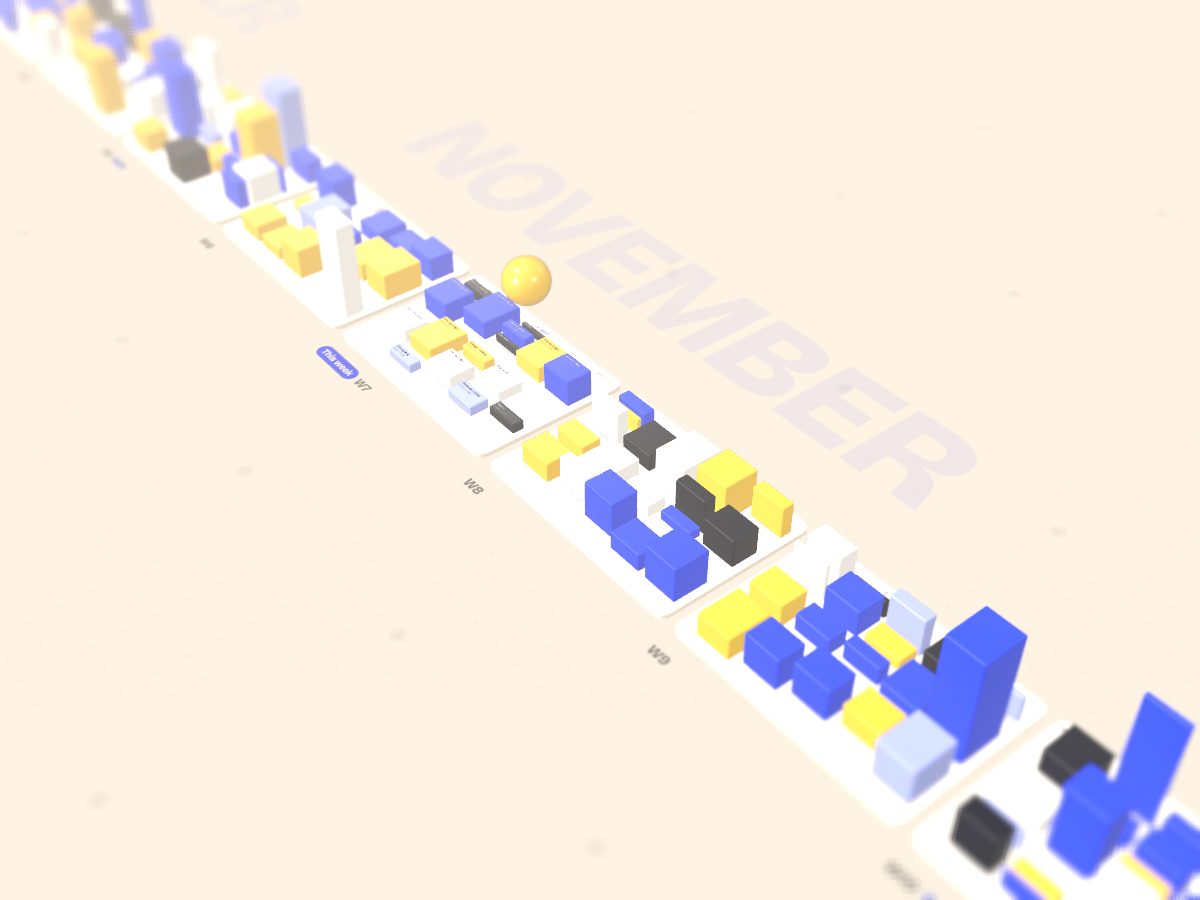
Drop it in. The week packs itself.
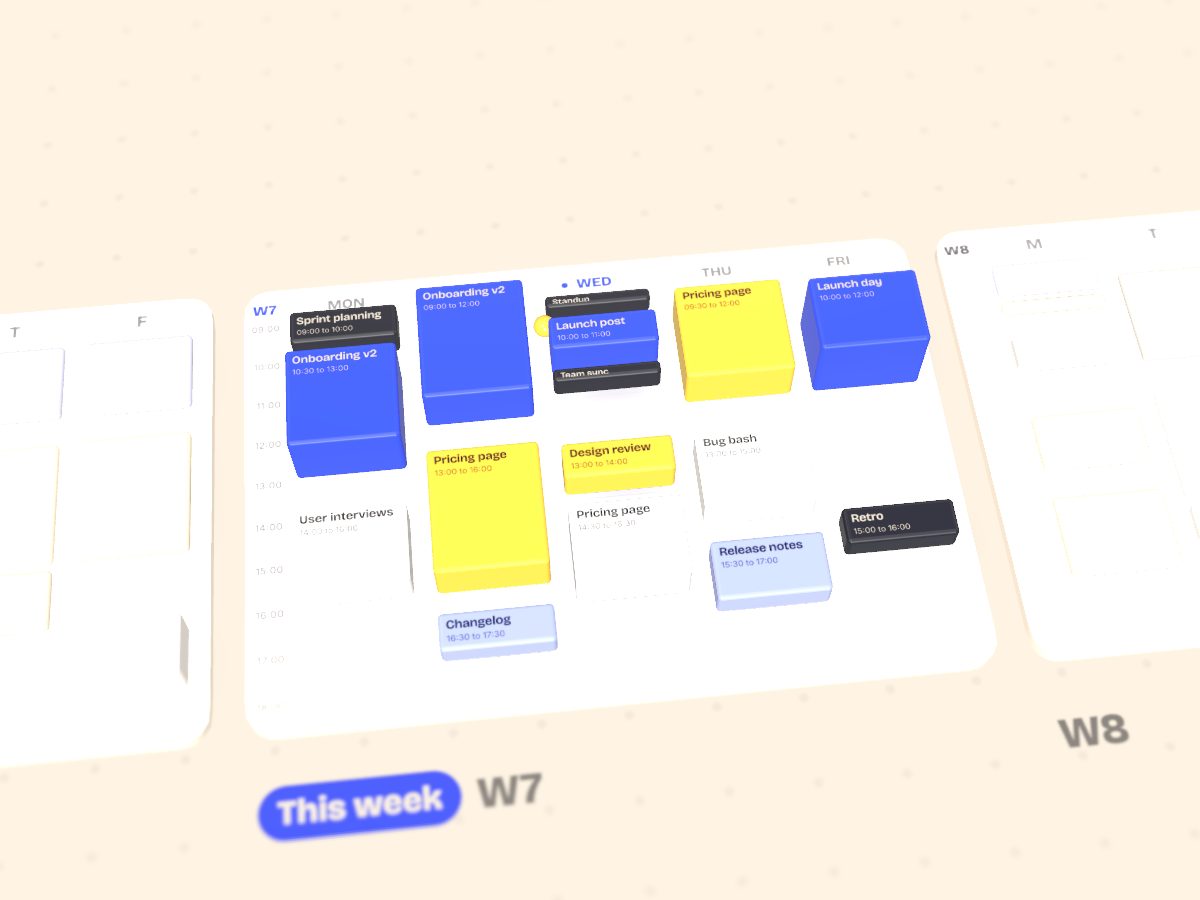
Throw tasks at the week in any order. Pinchloft lines them up in Monday to Friday lanes, keeps the gaps you asked for and reshuffles the rest when something slips.
- Onboarding v2
- Pricing page
- Launch post
03Day
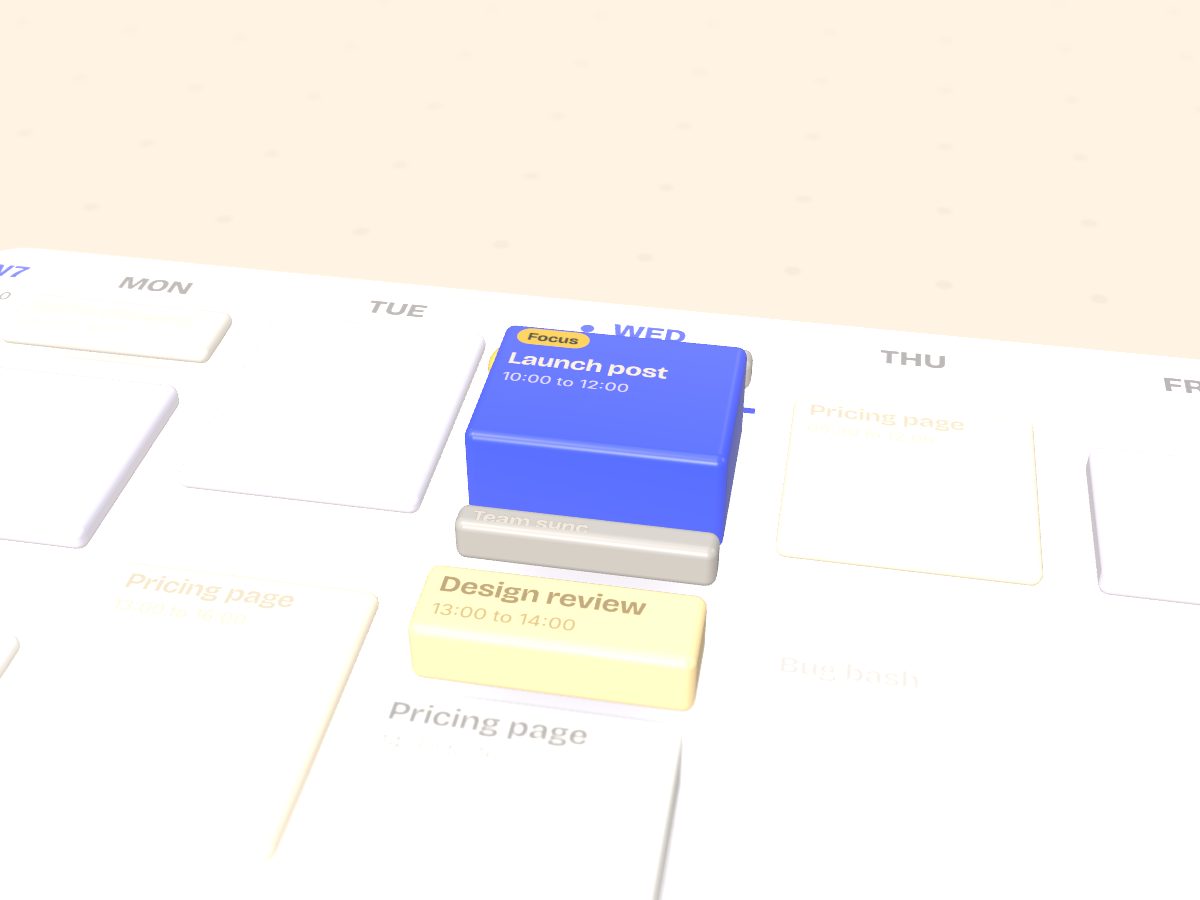
Focus time holds its ground.
Pinch into a day and the hours open up. A focus block stays where you put it, and the meeting that tried to land on it moves to the next free slot.
- 10:00 to 12:00 focus
- Team sync moves to 12:00
04Hour
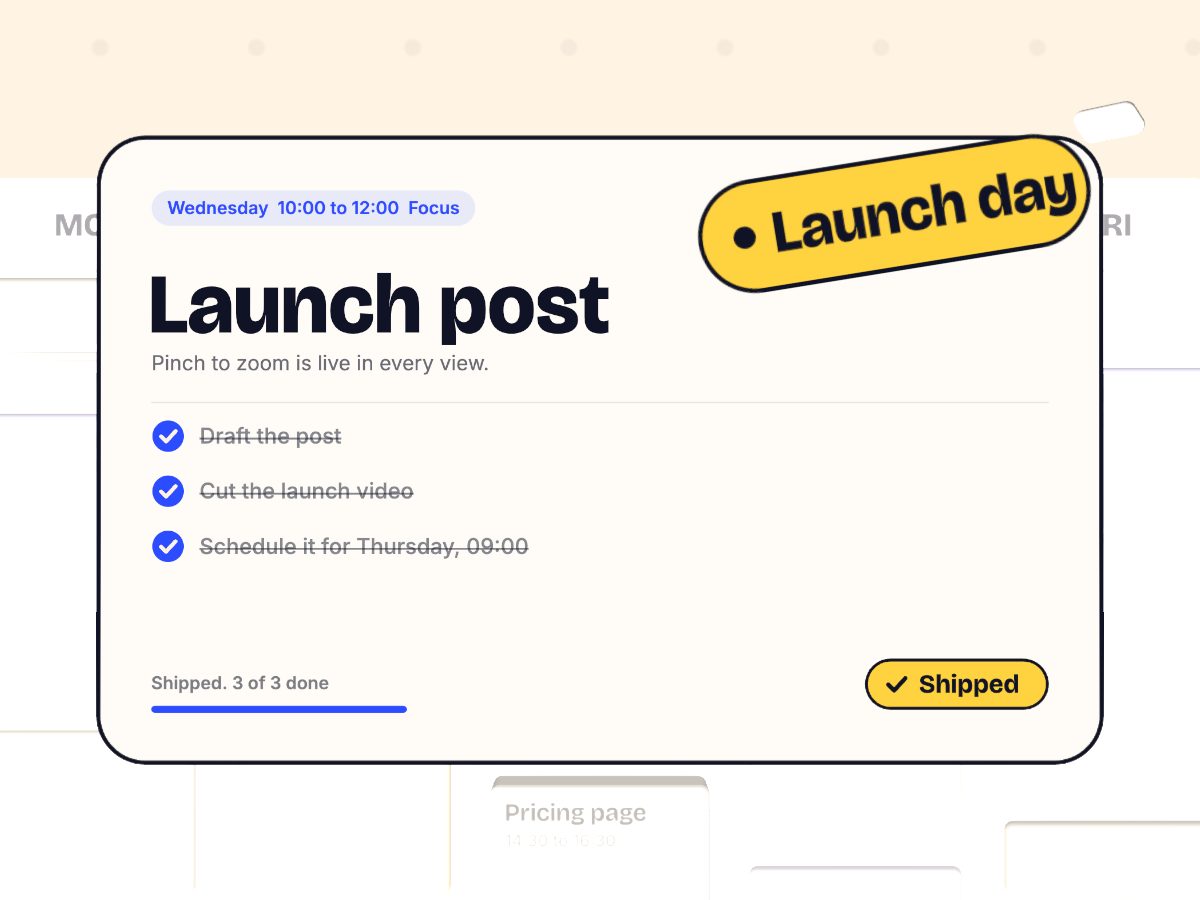
One task fills the screen. Ship it.
At the hour level a block becomes the task itself: the brief, a checklist and a ship button. Tick the last box and it lands on launch day.
05Pinch back out
The whole quarter rolls into one ring.
Pinch out from the hour to the day, the week and the quarter. Plan less. Ship more.